Quick answer
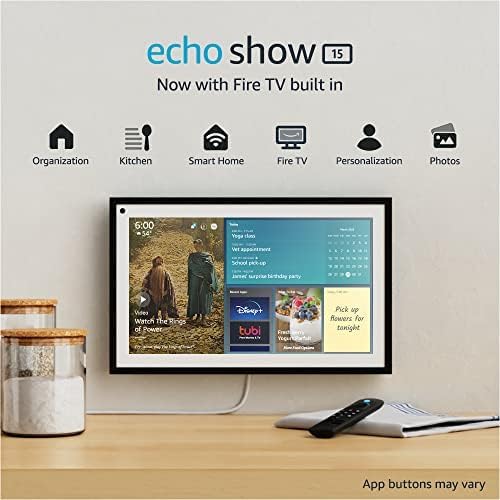
The Echo Show 15 is the best smart display for home control in 2026. The 15.6-inch screen makes it far more useful as a shared household dashboard than smaller displays, and Alexa works with more smart home devices than any other voice ecosystem. It is ideal for camera feeds, routines, family notes, and kitchen control. If you prefer Google Home, the Nest Hub Max is the best alternative.
Smart displays are one of the few smart home products that non-enthusiasts instantly understand. A wall or countertop screen that shows camera feeds, timers, reminders, routines, and weather is obviously useful. It is not a gadget looking for a problem — it is a control panel for the house.
We scored each display across screen usefulness, smart home control quality, ecosystem compatibility, audio quality, and value. For this category, bigger is often better — but only if the software makes good use of the space.
At-a-glance winners
Echo Show 15
The best true household dashboard. Big enough for widgets, camera feeds, and routines to be genuinely useful.
Nest Hub Max
The cleanest Google Home smart display, with a better camera and stronger Google service integration.
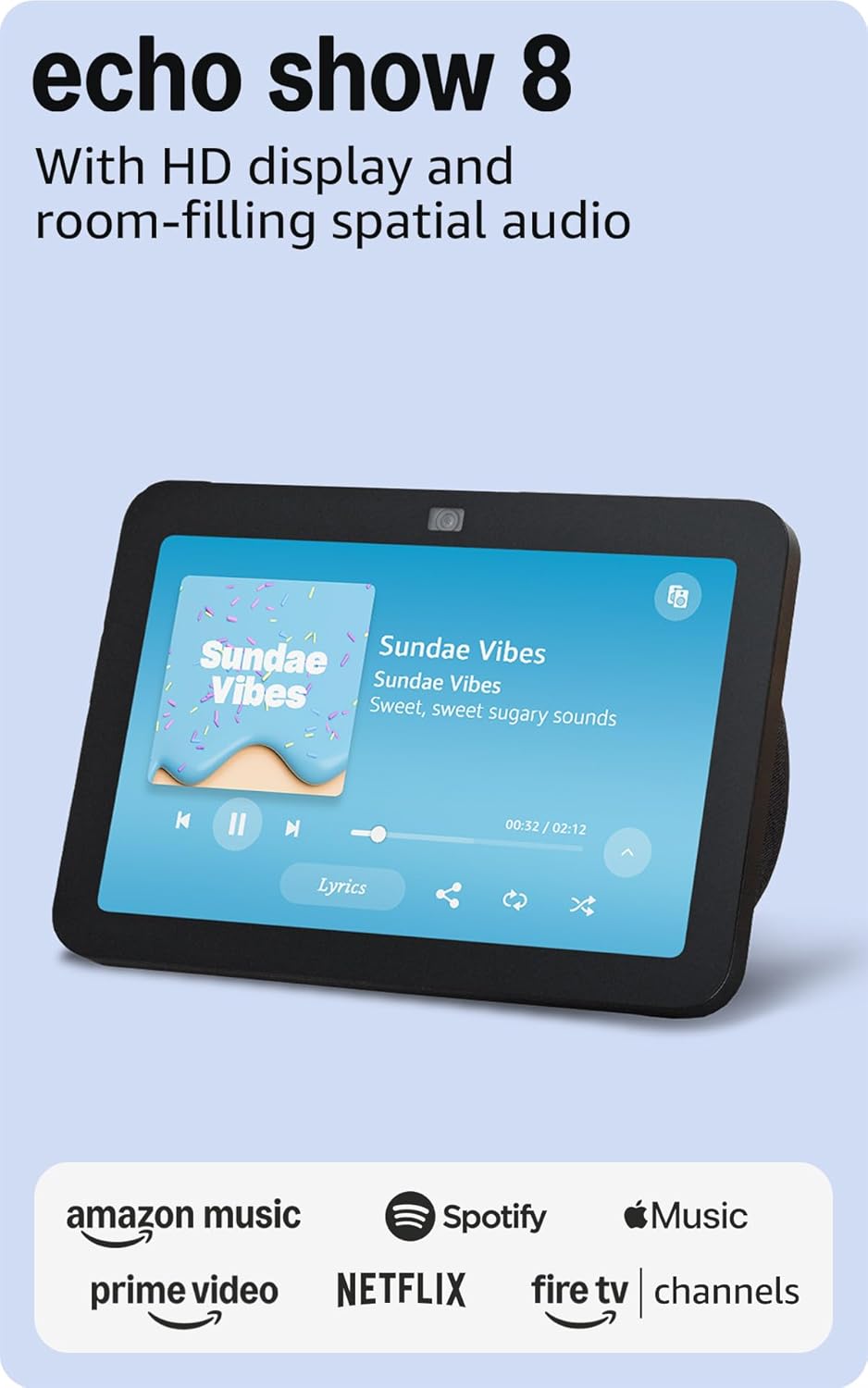
Echo Show 8
The sweet spot for most kitchens and side tables. Good screen, good sound, sensible price.
Nest Hub (2nd Gen)
Simple, small, cheap, and tidy. Great bedside or secondary-room display.
Echo Show 10
The rotating screen is not a gimmick if you use it for calls. But it is bulkier than the alternatives.
How they compare
| Product | Score | Price | Subscription |
|---|---|---|---|
| Echo Show 15 Best Overall | 8.8 | US $249.99 / CA $329.99 | No |
| Google Nest Hub Max Best for Google Home | 8.4 | US $229.99 / CA $299.99 | No |
| Echo Show 8 Best Value | 8.2 | US $149.99 / CA $199.99 | No |
| Nest Hub (2nd Gen) Best Budget | 7.9 | US $99.99 / CA $129.99 | No |
| Echo Show 10 Best for Video Calls | 7.8 | US $249.99 / CA $264 | No |
How we test and score smart displays
We score smart displays across five categories: smart home control usability (30%), ecosystem compatibility (20%), screen usefulness (20%), audio/video quality (15%), and value (15%). A smart display that sounds nice but is awkward for controlling the home is missing the point, so control usability carries the most weight.
1. Echo Show 15 — Best overall
The best smart display because it actually feels like a household dashboard instead of a smart speaker with a screen glued on.
Pros
- + 15.6-inch screen is genuinely useful
- + Excellent for widgets, family notes, and camera feeds
- + Strong Alexa smart home support
- + Good kitchen and wall-mount use case
- + Can double as a small TV interface
Cons
- - Large footprint
- - Best features are Alexa-specific
- - Camera is merely decent
- - More expensive than smaller displays
US $249.99 / CA $329.99 on Amazon
Check price on Amazon →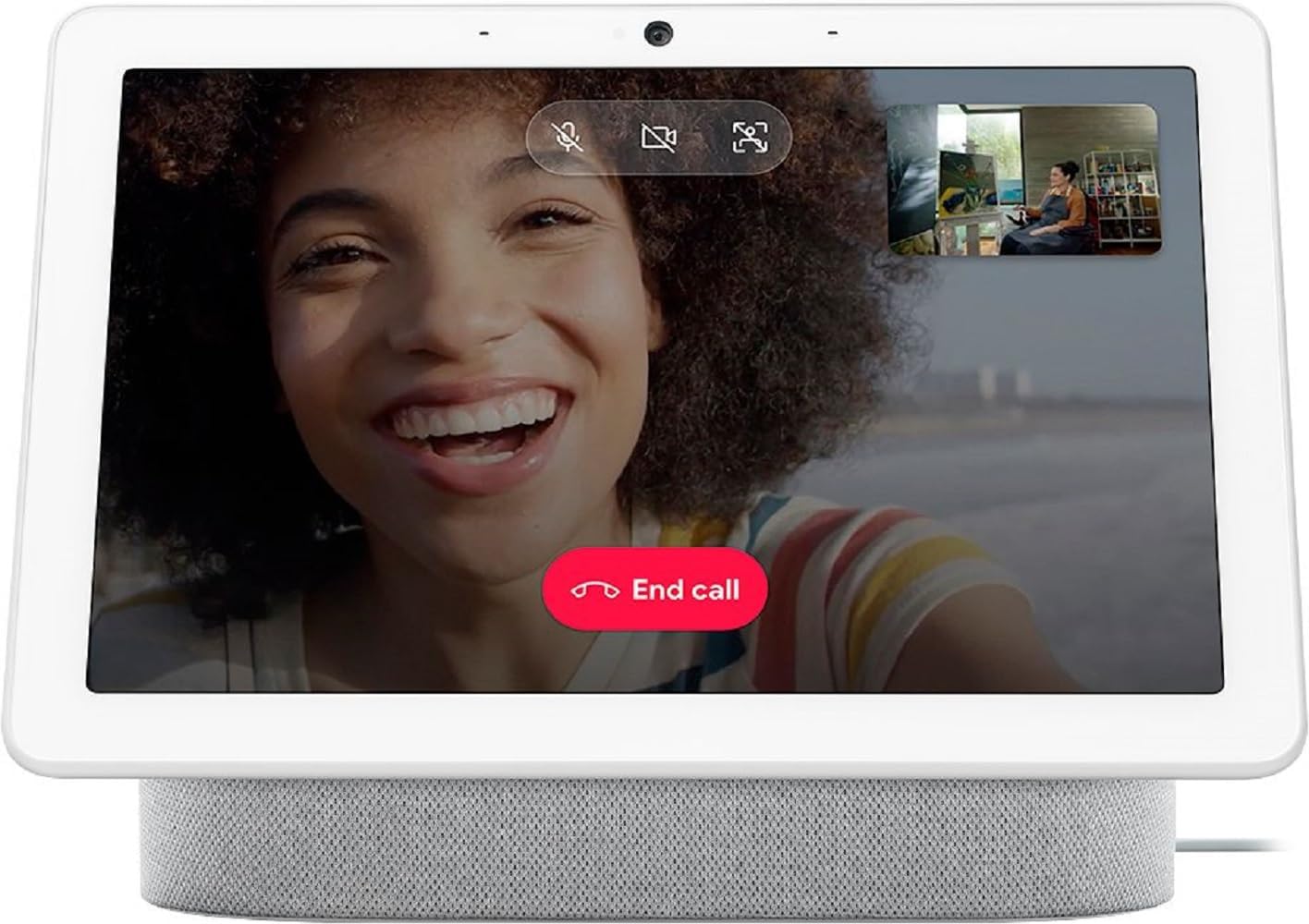
2. Google Nest Hub Max — Best for Google Home
Still the best Google smart display for families who live in Google Calendar, YouTube, and Google Home.
Pros
- + Excellent Google service integration
- + Good camera for video calls
- + Clean and simple interface
- + Strong kitchen companion
- + Great for Nest camera feeds
Cons
- - Aging hardware
- - No Matter-first redesign yet
- - Less device compatibility than Alexa
- - No Amazon service support
US $229.99 / CA $299.99 typical retail pricing
3. Echo Show 8 — Best value
The sweet spot. Big enough to be useful, small enough to fit almost anywhere, and cheaper than the flagship models.
Pros
- + Great size for kitchens and desks
- + Good value at ~$150
- + Strong Alexa device compatibility
- + Better sound than most small displays
- + Useful camera and video calling features
Cons
- - Smaller than ideal for full dashboard use
- - Alexa-only ecosystem fit
- - Ad-heavy UI for some users
- - Less cinematic than Show 15
US $149.99 / CA $199.99 on Amazon
Check price on Amazon →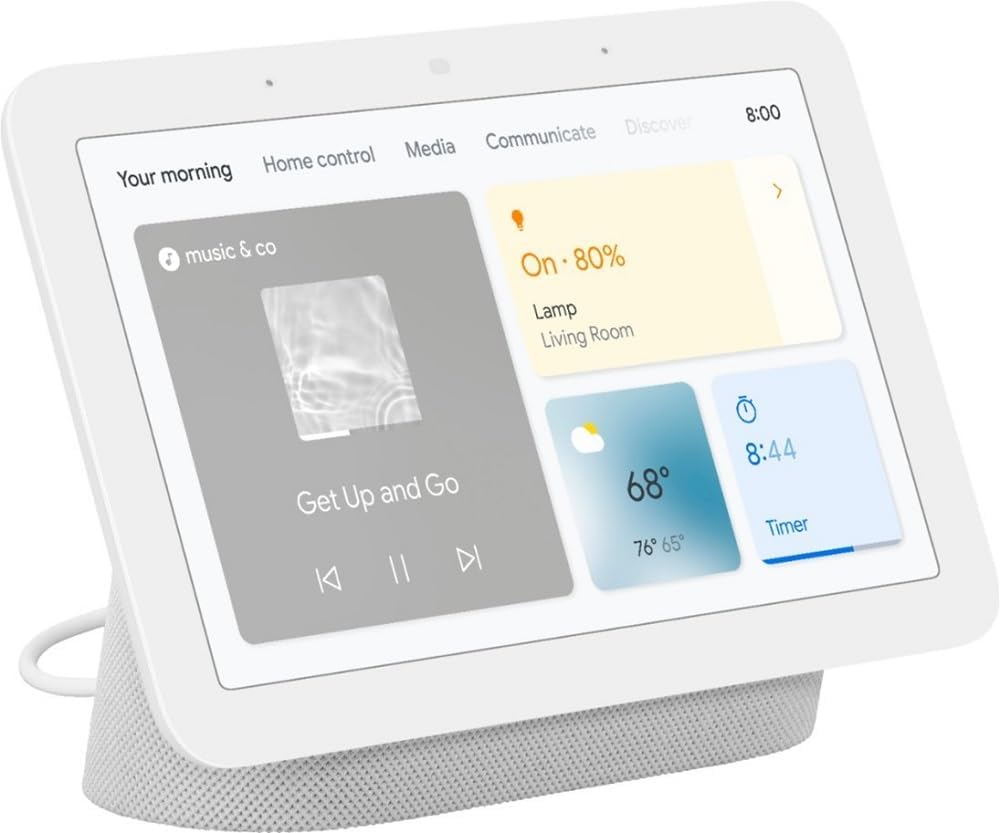
4. Google Nest Hub (2nd Gen) — Best budget
A compact, inexpensive smart display that works best as a bedside clock, secondary kitchen screen, or quiet control point in smaller rooms.
Pros
- + Affordable
- + Small and unobtrusive
- + Good for bedrooms
- + Clean Google interface
- + No camera if privacy matters
Cons
- - No camera for calls
- - Too small for full dashboard use
- - Weaker speaker than larger models
- - Best only for Google households
US $99.99 / CA $129.99 typical retail pricing
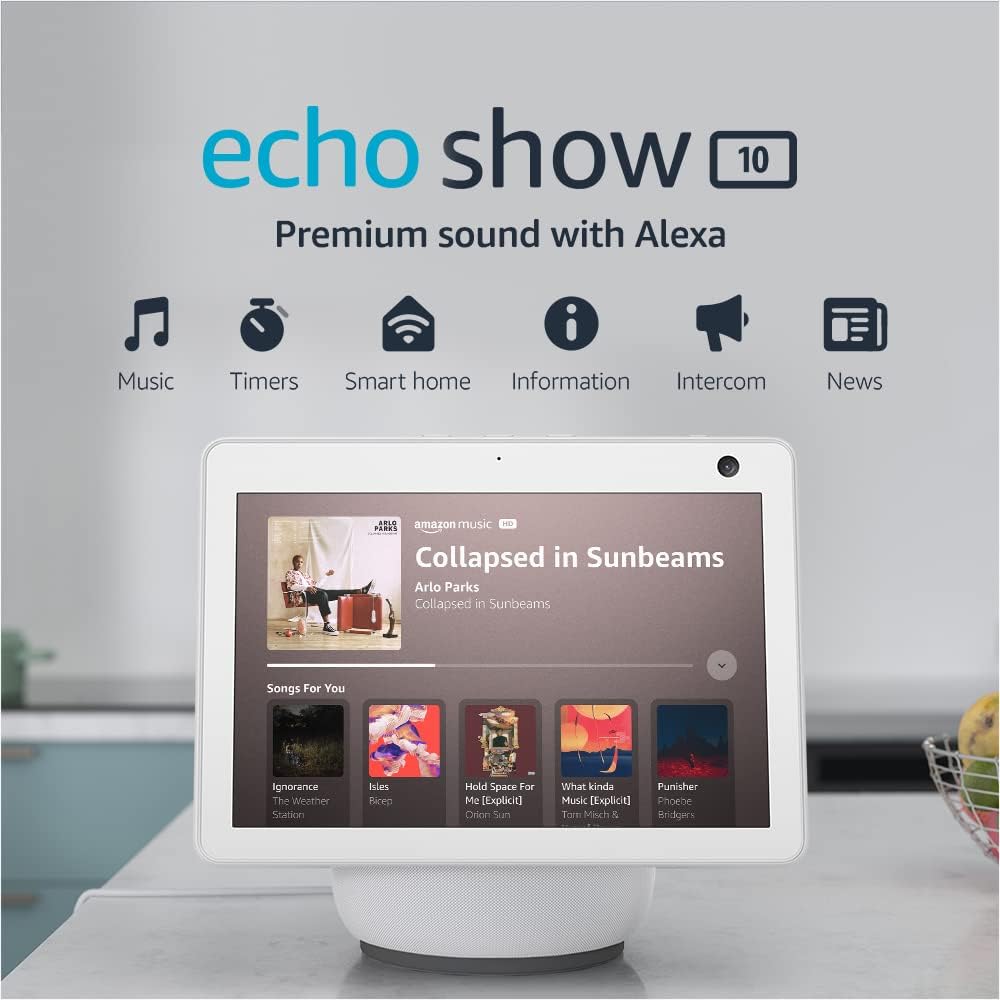
5. Echo Show 10 — Best for video calls
The rotating screen really is useful during calls and recipe sessions — but the device is bulkier and less elegant than the simpler alternatives.
Pros
- + Rotating screen follows you in calls
- + Built-in Zigbee hub
- + Good speakers
- + Useful for kitchens and open spaces
- + Strong Alexa compatibility
Cons
- - Bulky and awkward-looking
- - Expensive
- - Overkill for many homes
- - Less elegant than Echo Show 8 or 15
US $249.99 / CA $264 on Amazon
Check price on Amazon →Smarter picks, fewer gimmicks
Join Smart Home Weekly for the best deals, no-subscription picks, and practical buying advice. Free, once a week.
No spam. Unsubscribe anytime.