Quick answer
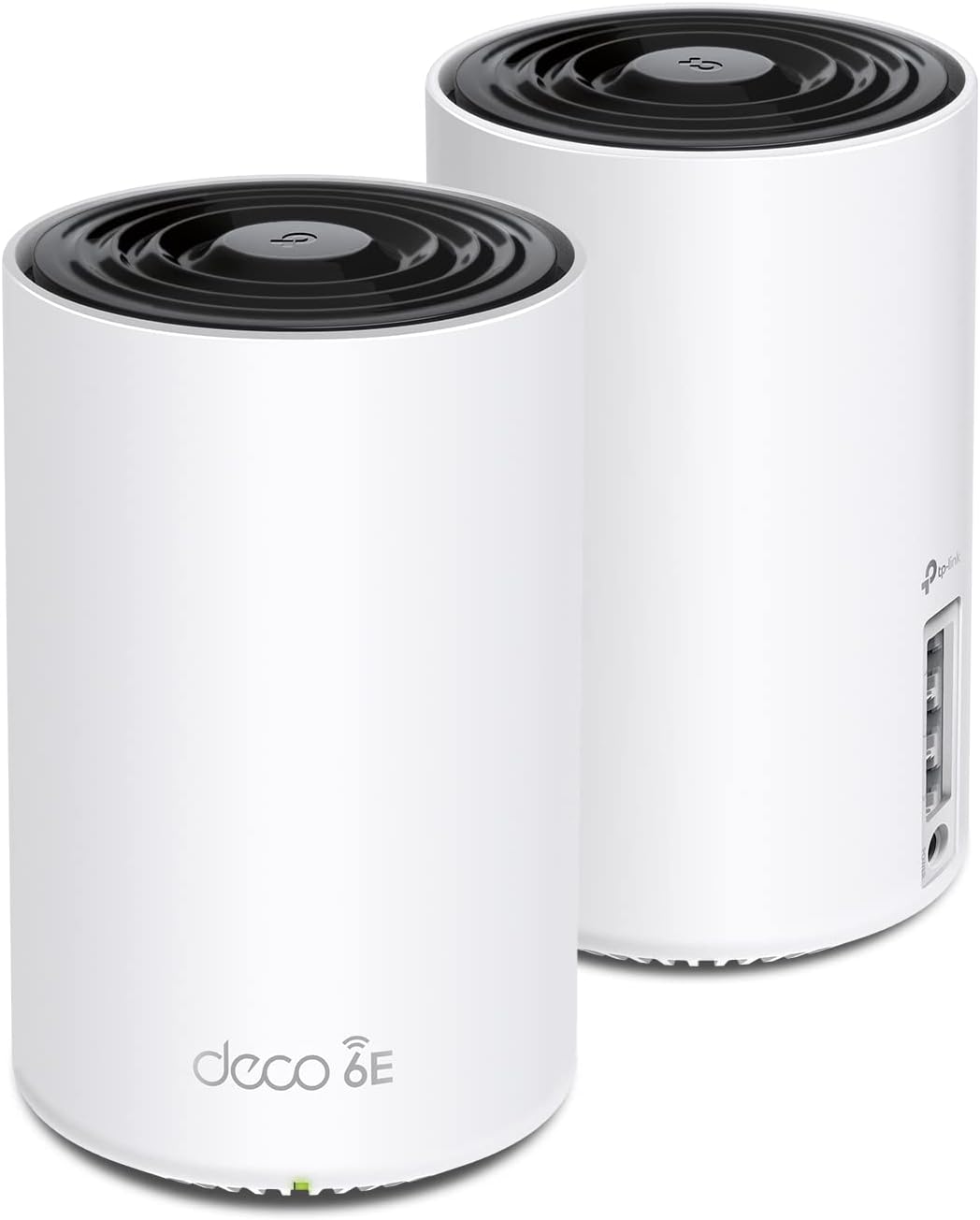
The TP-Link Deco XE75 is the best mesh WiFi system for most smart homes in 2026. It delivers Wi-Fi 6E performance, strong whole-home coverage, and excellent device handling without charging a monthly fee for basic functionality. At just over $200, it is the sweet spot between value and performance. If you are deeply invested in Alexa and Ring, the eero Pro 6E is the better ecosystem fit.
A smart home is only as good as its network. If your cameras drop offline, your plugs lag, or your doorbell takes forever to load, the problem is often not the device — it is the router. Mesh WiFi spreads coverage across your whole home, handles more devices gracefully, and cuts down on the dead zones that make smart homes feel unreliable.
We scored each system across performance, device handling, ecosystem fit, app quality, and long-term value. We care less about benchmark speed tests and more about whether your cameras, thermostats, speakers, and locks stay online consistently.
At-a-glance winners
TP-Link Deco XE75
Wi-Fi 6E, strong coverage, excellent device handling, and no nonsense. The easiest recommendation for most homes.
eero Pro 6E
Built-in Zigbee and Thread support. The cleanest fit for Alexa-heavy homes.
Nest Wifi Pro
Matter-ready, easy setup, and very clean Google Home integration.
UniFi Express
Local-first control, deep customization, and a path into the broader UniFi ecosystem.
ASUS ZenWiFi XT9
Strong tri-band performance for large homes with lots of traffic.
How they compare
| Product | Score | Price | Subscription |
|---|---|---|---|
| TP-Link Deco XE75 Best Overall | 8.7 | US $205.52 / CA $280.36 | No |
| eero Pro 6E Best Smart Home Hub | 8.5 | US $399 / CA $559 | No |
| Google Nest Wifi Pro Best for Google Home | 8.2 | US $239.79 / CA $417 | No |
| Ubiquiti UniFi Express Best for Power Users | 8 | US $242.54 / CA $282.68 | No |
| ASUS ZenWiFi XT9 Best Backhaul Performance | 7.9 | US $349 / CA $479 | No |
How we test and score mesh WiFi
Every system is scored across five weighted categories: reliability under load (30%), value (20%), smart home ecosystem fit (20%), app and management quality (15%), and hardware capability (15%). Reliability gets the heaviest weight because a mesh system that benchmarks well but drops cameras offline is not doing its job.
1. TP-Link Deco XE75 — Best overall
A superb balance of performance, range, and price. The Deco XE75 is the easiest recommendation for most smart homes.
Pros
- + Wi-Fi 6E tri-band for better traffic separation
- + Very strong value at just over $200
- + Stable performance with many devices
- + Simple app, quick setup
- + No subscription needed for core features
Cons
- - Advanced controls are limited
- - No built-in smart home hub features
- - App is less polished than eero
- - Web interface is basic
US $205.52 / CA $280.36 on Amazon
Check price on Amazon →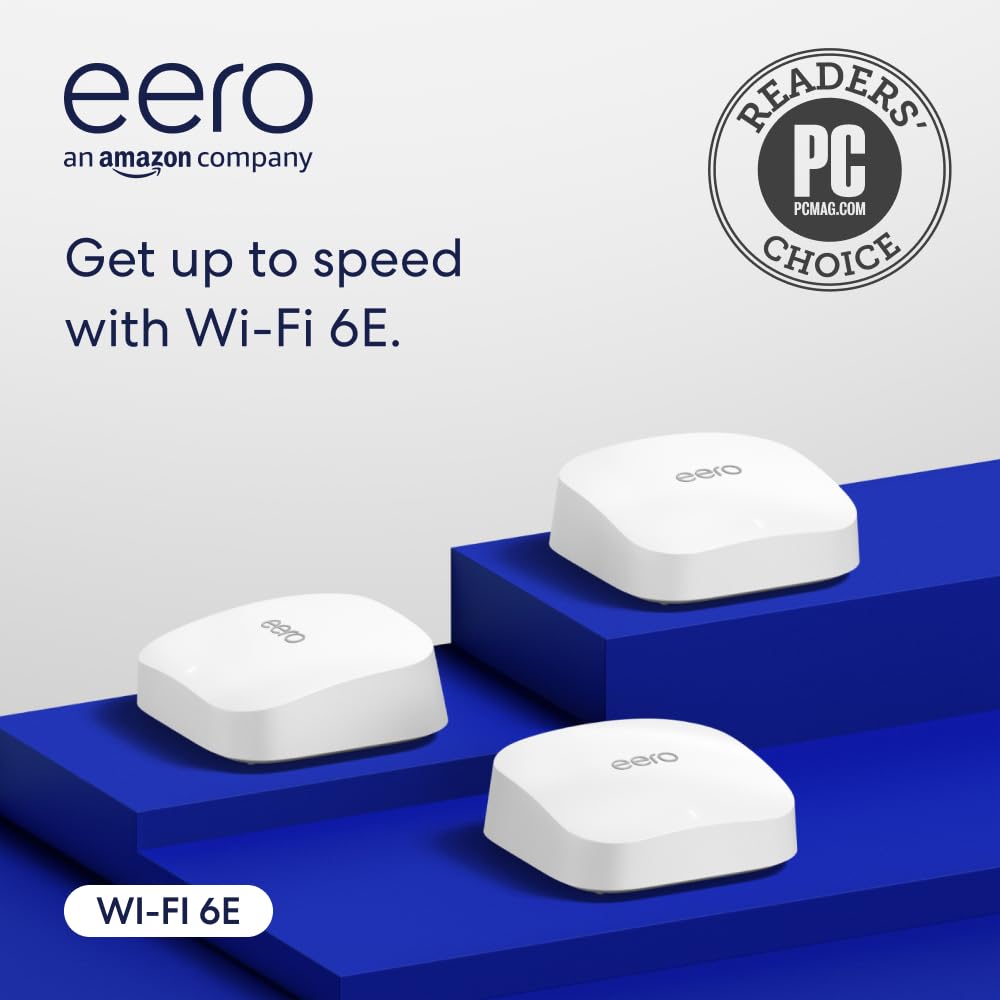
2. eero Pro 6E — Best smart home hub
Excellent mesh WiFi plus built-in Zigbee and Thread support makes eero the cleanest networking choice for Alexa-centric homes.
Pros
- + Built-in Zigbee and Thread hub features
- + Excellent app and setup flow
- + Very stable performance
- + Great fit for Ring and Alexa homes
- + Automatic updates and security patches
Cons
- - eero Plus paywalls some advanced features
- - Less local control than UniFi
- - Higher price than Deco
- - Fewer advanced tuning options
US $399 / CA $559 on Amazon
Check price on Amazon →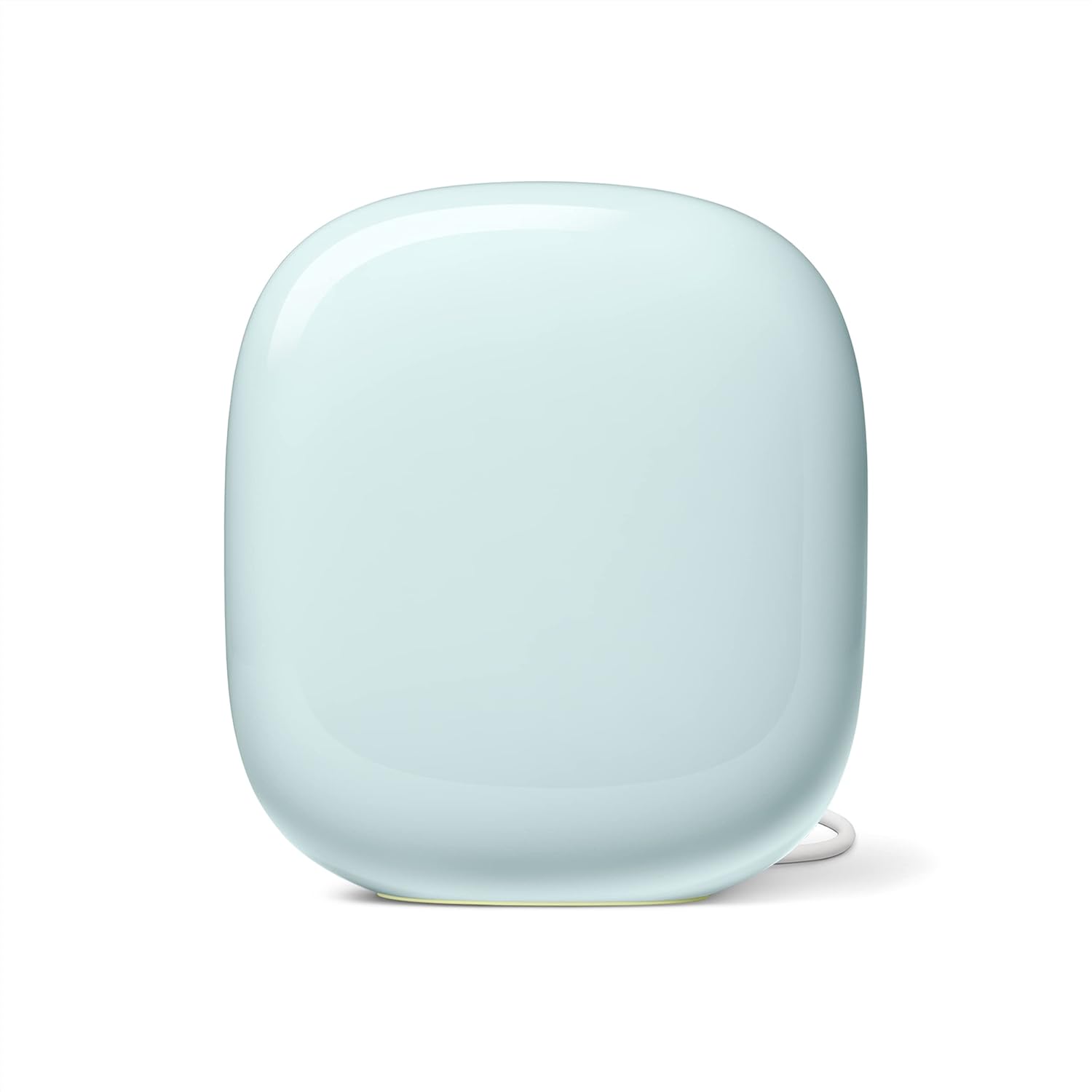
3. Google Nest Wifi Pro — Best for Google Home
Matter-ready and easy to set up, Nest Wifi Pro makes the most sense for homes already living in the Google Home app.
Pros
- + Matter and Thread support
- + Very easy setup for Google users
- + Clean hardware design
- + Good coverage in medium homes
- + No subscription required
Cons
- - Limited advanced settings
- - No dedicated smart home radio beyond Thread/Matter
- - More expensive in Canada
- - Best features require Google-first household
US $239.79 / CA $417 on Amazon
Check price on Amazon →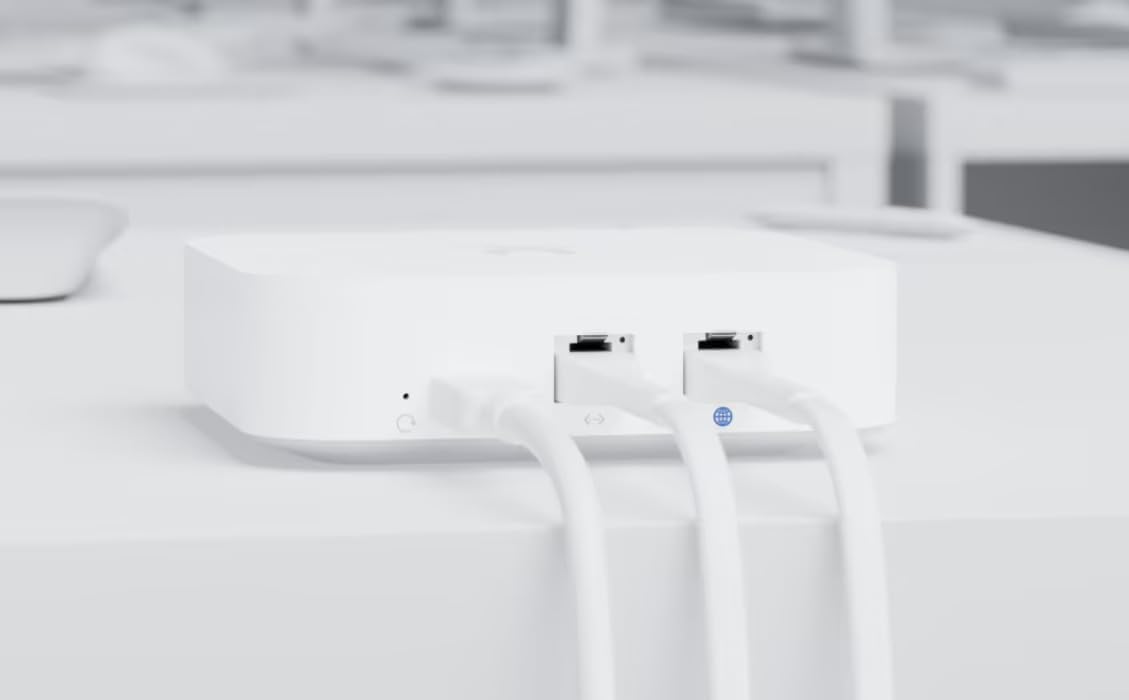
4. Ubiquiti UniFi Express — Best for power users
If you like local control, detailed dashboards, and room to grow into a more serious network, UniFi Express is the gateway drug.
Pros
- + Deep configuration and local control
- + Strong security features
- + Path into full UniFi ecosystem
- + USB-C powered compact hardware
- + No subscription fees
Cons
- - More setup complexity
- - Not as beginner-friendly
- - Wi-Fi 6 only, not 6E
- - Less plug-and-play than Deco or eero
US $242.54 / CA $282.68 on Amazon
Check price on Amazon →
5. ASUS ZenWiFi XT9 — Best backhaul performance
A strong performer for large homes with lots of simultaneous traffic. Not the newest spec sheet, but still a very capable system.
Pros
- + Strong tri-band backhaul performance
- + Good security tools included
- + Better advanced controls than Nest or eero
- + Excellent for large homes
- + No subscription for core protection
Cons
- - No Wi-Fi 6E
- - App is less intuitive
- - No built-in smart home radios
- - Usually pricier than Deco for similar real-world results
US $349 / CA $479 — typical street pricing
Make your smart home more reliable
Join Smart Home Weekly for the best deals, no-subscription picks, and practical buying advice. Free, once a week.
No spam. Unsubscribe anytime.